Getting started
- Create a shortcodes.ini file
- Move the shortcodes.ini file inside the html folder of your frontend template:
templates/your-template/html/ - Add your own shortcodes. You can use our sample shortcodes.ini file as reference
- Use the shortcodes in your articles, modules and menus
Adding an icon to a menu item
Using the icon shortcode from our sample shortcodes.ini file in a menu title, this would be the result:


Please note this example required a font icon library. You can adjust the macro to match other font icons.
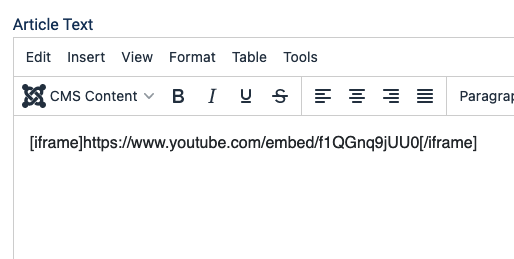
Adding an iframe to modules and articles
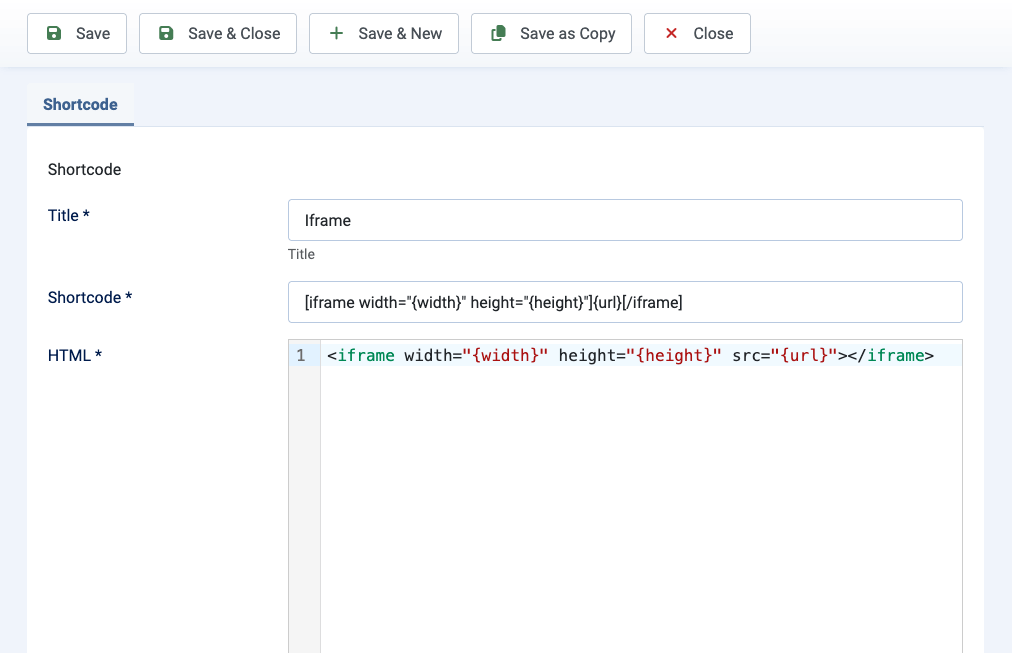
You could also create a shortcode to insert iframes in Custom modules using this macro. very useful due WYSIWYG editor remove them on save. Pro version already comes with and iframe shortcode ready to use.

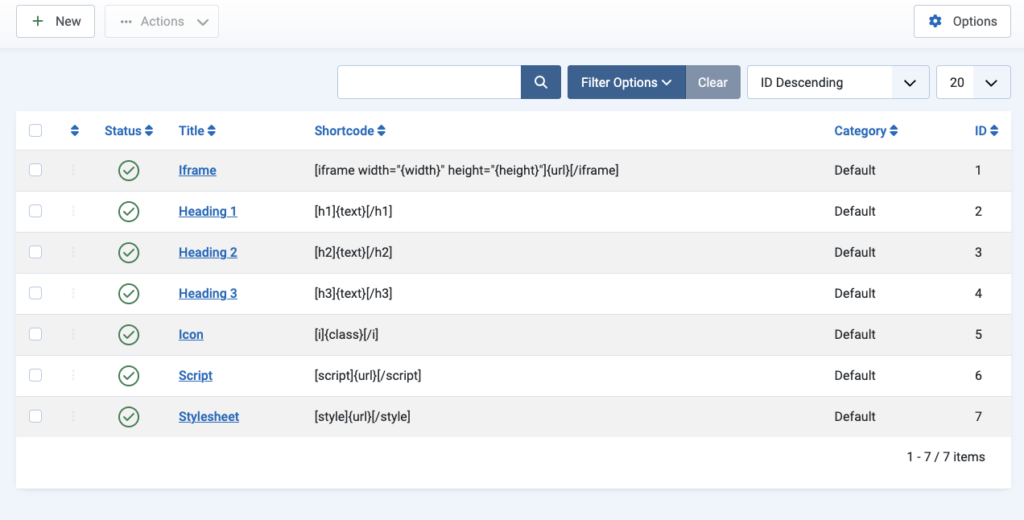
Manage snippets and shortcodes with the Easy Shortcodes component (Pro)
With Easy Shortcodes Pro the experience is simpler. You don’t need the shortcodes.ini file. Create and edit right in the Joomla admin.
Go to Components > Easy Shortcodes
More example use cases
Add inline Javascript
If you use Easy Shortcodes Lite version, add this line to your shortcodes.ini file:
[inline_script]{code}[/inline_script]=<script>{code}</script>If you use Easy Shortcodes Pro, go to Components > Easy Shortcode > New
- Shortcode:
[inline_script]{code}[/inline_script] - HTML:
<script>{code}</script>
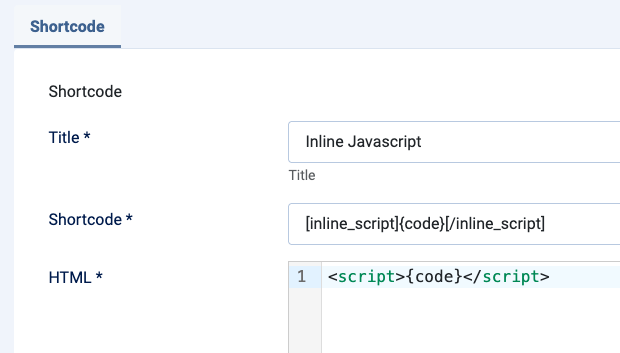
So, if you add inline Javascript to your articles and modules, using the shortcode:
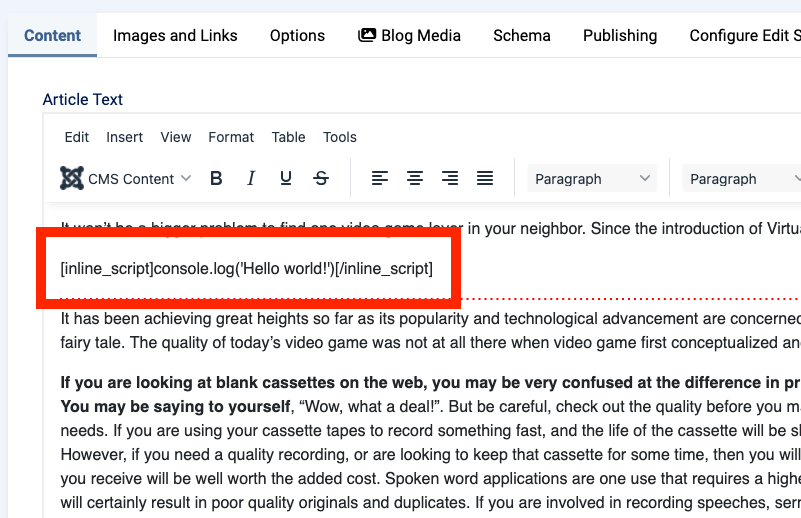
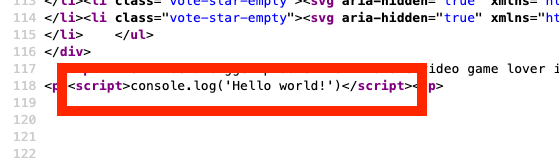
It will be converted in frontend into working Javascript code that can be confirmed through browser source code:
Add inline CSS
If you use Easy Shortcodes Lite version, add this line to your shortcodes.ini file:
[inline_css]{code}[/inline_css]=<style>{code}</style>If you use Easy Shortcodes Pro, go to Components > Easy Shortcode > New
- Shortcode:
[inline_css]{code}[/inline_css] - HTML:
<style>{code}</style>
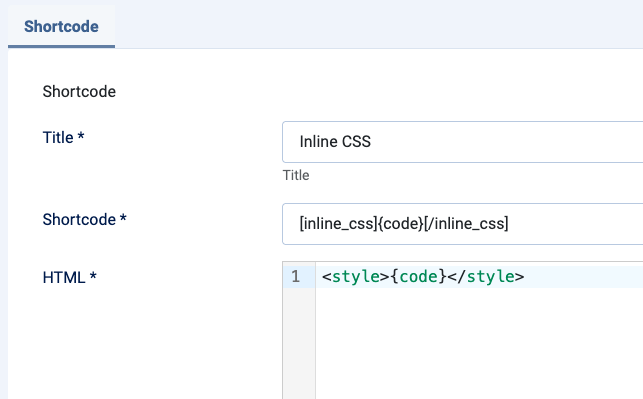
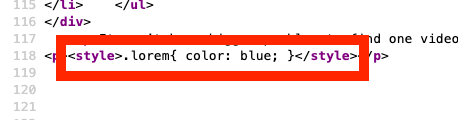
So, if you add inline CSS to your articles and modules, using the shortcode:
It will be converted in frontend into working CSS code that can be confirmed through browser source code: